> ## Documentation Index
> Fetch the complete documentation index at: https://kasava.dev/docs/llms.txt
> Use this file to discover all available pages before exploring further.
# Plans & Work Items
> From strategic intent to shipped code — and the feedback loop that keeps both honest
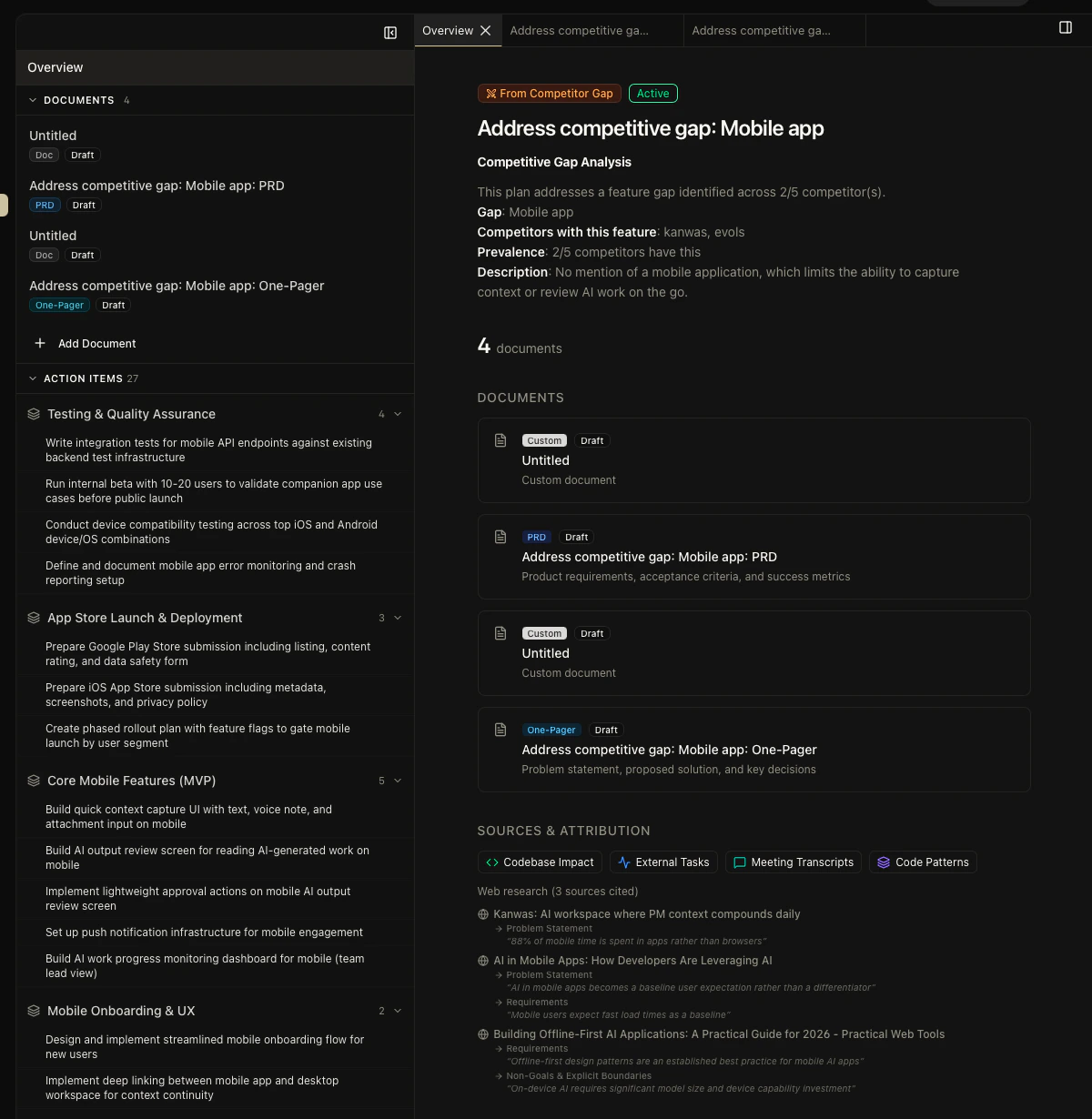
Plans are how Kasava groups product work. A plan bundles related documents (PRDs, technical designs, research) under a single strategic umbrella, optionally aligned to an OKR. From a plan, you can extract work items, generate detailed epics and issues with real code context, and push them to Linear, Jira, GitHub, or Asana — then get notified when the code changes enough that the plan is stale.
 ## The taxonomy
These four terms get used interchangeably in most tools. In Kasava, they're distinct — and the distinction matters.
| Term | What it is | Scope |
| ---------------- | ---------------------------------------------------------------------------------------------------------------------------------------------- | ---------------------------- |
| **Plan** | A strategic work grouping with status, color, icon, and optional OKR alignment | Product-level |
| **Document** | A rich-text artifact under a plan — PRD, technical design, research synthesis, bug fix plan, custom | Plan-level |
| **Work Item** | An AI-extracted checklist item visible in the plan sidebar; lightweight, not exported | Plan-level |
| **Issue / Epic** | A heavyweight item in the generated work breakdown, with acceptance criteria and code context, designed to be exported to your project tracker | Platform-level once exported |
A plan has many documents. A plan produces many work items (for quick internal tracking) and, separately, a work breakdown of epics and issues (for export to engineering).
## The five-phase lifecycle
Create a plan, pick a work type (new feature, migration, bug fix, strategic), and add documents. Kasava suggests document templates based on the work type.
Generate work items from the plan's documents with a multi-lens AI extraction pass (implementation, testing, operations, decisions). Items appear as a checklist in the plan sidebar. Good for fast internal review.
Generate a full work breakdown — epics, issues, acceptance criteria — grounded in real code context from your indexed repositories. Top requirements are matched to actual symbols, files, and existing TODOs.
Review the breakdown, pick the issues you want to ship, and push them directly to Linear, Jira, GitHub, or Asana. Bidirectional links are created so status updates flow back into Kasava.
Staleness detection tracks the files referenced by each plan. If the code referenced changes significantly — or stops changing at all — the plan is flagged for review.
## Why the breakdown is more accurate
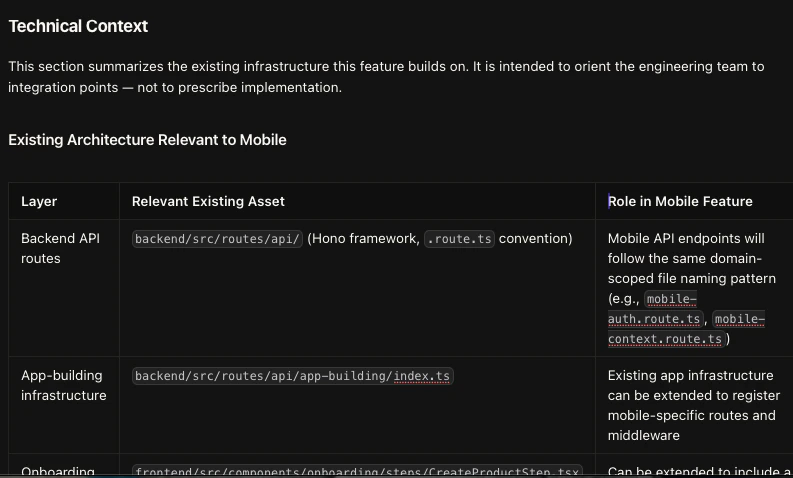
The work breakdown pulls code context from the [product graph](/docs/concepts/product-graph): semantic search for the top requirements, actionable TODO/FIXME/HACK comments from affected files, and actual source code for the files most likely to change. That context goes into every generated epic and issue.
The engineer picking up the ticket sees the real paths, the real symbols, and the real patterns already in your codebase — not a prose description of what the PM thought the code looked like.
## The taxonomy
These four terms get used interchangeably in most tools. In Kasava, they're distinct — and the distinction matters.
| Term | What it is | Scope |
| ---------------- | ---------------------------------------------------------------------------------------------------------------------------------------------- | ---------------------------- |
| **Plan** | A strategic work grouping with status, color, icon, and optional OKR alignment | Product-level |
| **Document** | A rich-text artifact under a plan — PRD, technical design, research synthesis, bug fix plan, custom | Plan-level |
| **Work Item** | An AI-extracted checklist item visible in the plan sidebar; lightweight, not exported | Plan-level |
| **Issue / Epic** | A heavyweight item in the generated work breakdown, with acceptance criteria and code context, designed to be exported to your project tracker | Platform-level once exported |
A plan has many documents. A plan produces many work items (for quick internal tracking) and, separately, a work breakdown of epics and issues (for export to engineering).
## The five-phase lifecycle
Create a plan, pick a work type (new feature, migration, bug fix, strategic), and add documents. Kasava suggests document templates based on the work type.
Generate work items from the plan's documents with a multi-lens AI extraction pass (implementation, testing, operations, decisions). Items appear as a checklist in the plan sidebar. Good for fast internal review.
Generate a full work breakdown — epics, issues, acceptance criteria — grounded in real code context from your indexed repositories. Top requirements are matched to actual symbols, files, and existing TODOs.
Review the breakdown, pick the issues you want to ship, and push them directly to Linear, Jira, GitHub, or Asana. Bidirectional links are created so status updates flow back into Kasava.
Staleness detection tracks the files referenced by each plan. If the code referenced changes significantly — or stops changing at all — the plan is flagged for review.
## Why the breakdown is more accurate
The work breakdown pulls code context from the [product graph](/docs/concepts/product-graph): semantic search for the top requirements, actionable TODO/FIXME/HACK comments from affected files, and actual source code for the files most likely to change. That context goes into every generated epic and issue.
The engineer picking up the ticket sees the real paths, the real symbols, and the real patterns already in your codebase — not a prose description of what the PM thought the code looked like.
 ## Related
How real code context grounds every plan and work breakdown
Where plans start — evidence, hypotheses, decisions
The chat agent that can create plans and work items from a sentence
Step-by-step guide to creating and editing plans
## Related
How real code context grounds every plan and work breakdown
Where plans start — evidence, hypotheses, decisions
The chat agent that can create plans and work items from a sentence
Step-by-step guide to creating and editing plans