

@kasava mentions let your team trigger Kasava from inside the task manager you already use. Drop @kasava (or @Kasava, depending on the platform’s bot identity) into an issue, comment, card, or page and Kasava replies in-thread with a grounded answer — pulled from your indexed code, product graph, prior issues, and connected sources.
This is the same intelligence as the Kasava Agent, but it meets your team where work happens. No tab switch, no copy-paste.
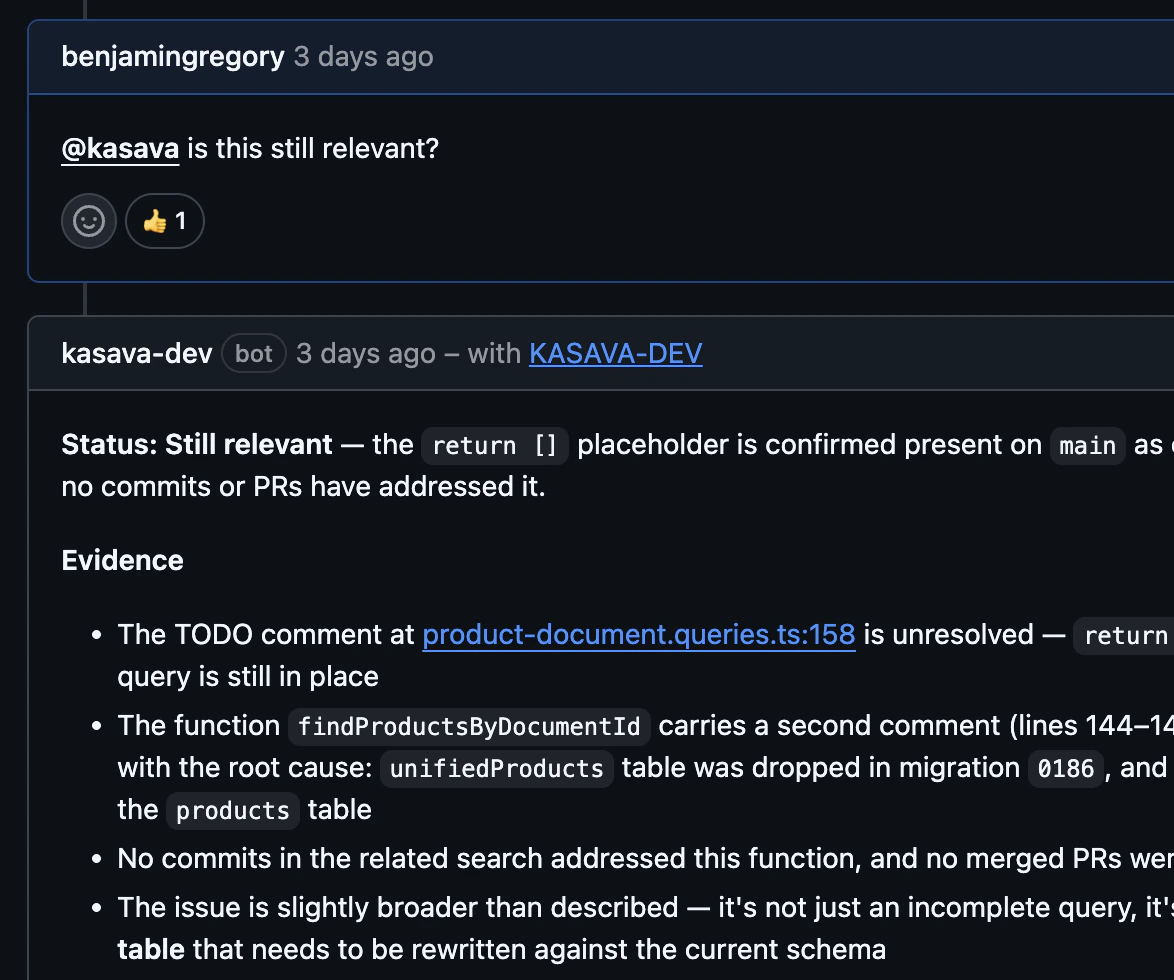
Supported platforms
On Jira and Asana, replies are authored as the user who connected the integration. A dedicated Kasava service-account user is the workaround until first-party Connect/Forge apps ship.
How a mention is processed
- The platform webhook fires; Kasava picks up the mention text.
- A fast classifier (Haiku) reads the comment and decides which action type the user is asking for — e.g.
summarize,impact,diagnose. Multiple actions can be detected in one mention. - If the action maps to a dedicated workflow, Kasava runs the grounded 12-step evidence pipeline (repo layout → issue parse → branch classify → semantic code search → related work → recent commits → cross-branch evidence → synthesis → render).
- If the classifier finds no recognized action, the request falls through to the conversational Kasava Agent — same tools, looser structure.
- The reply is formatted for the target platform (collapsibles, ADF, rich text) and posted back in-thread.
Built-in actions (workflow-backed)
Each of these has a dedicated workflow that grounds its answer in your code and product graph. They produce structured, cited output — not free-form chat.
These work identically on every platform. Platform-specific aliases (
analyze and review on Trello, relevance/triage on GitHub and Linear) route to the same workflows.
When mentions fall back to chat
If the classifier can’t match your intent to a built-in action — for example, “@kasava what do you think we should ship next?” or any custom action type your org has defined — the request runs through the free-form Kasava Agent. You still get tool-use across the product graph, code intelligence, and connected sources, but the output is conversational rather than a structured card. The fallback also catches infrastructure failures: if a workflow throws mid-run, Kasava degrades to the chat agent with the original context preserved so the reader still gets an answer (flaggedfallback: true in logs).
Character limits per platform
Replies that exceed a platform’s comment limit are split across multiple comments at paragraph boundaries.
Workflow output is designed to fit comfortably on every platform — these caps are guardrails, not the target length.
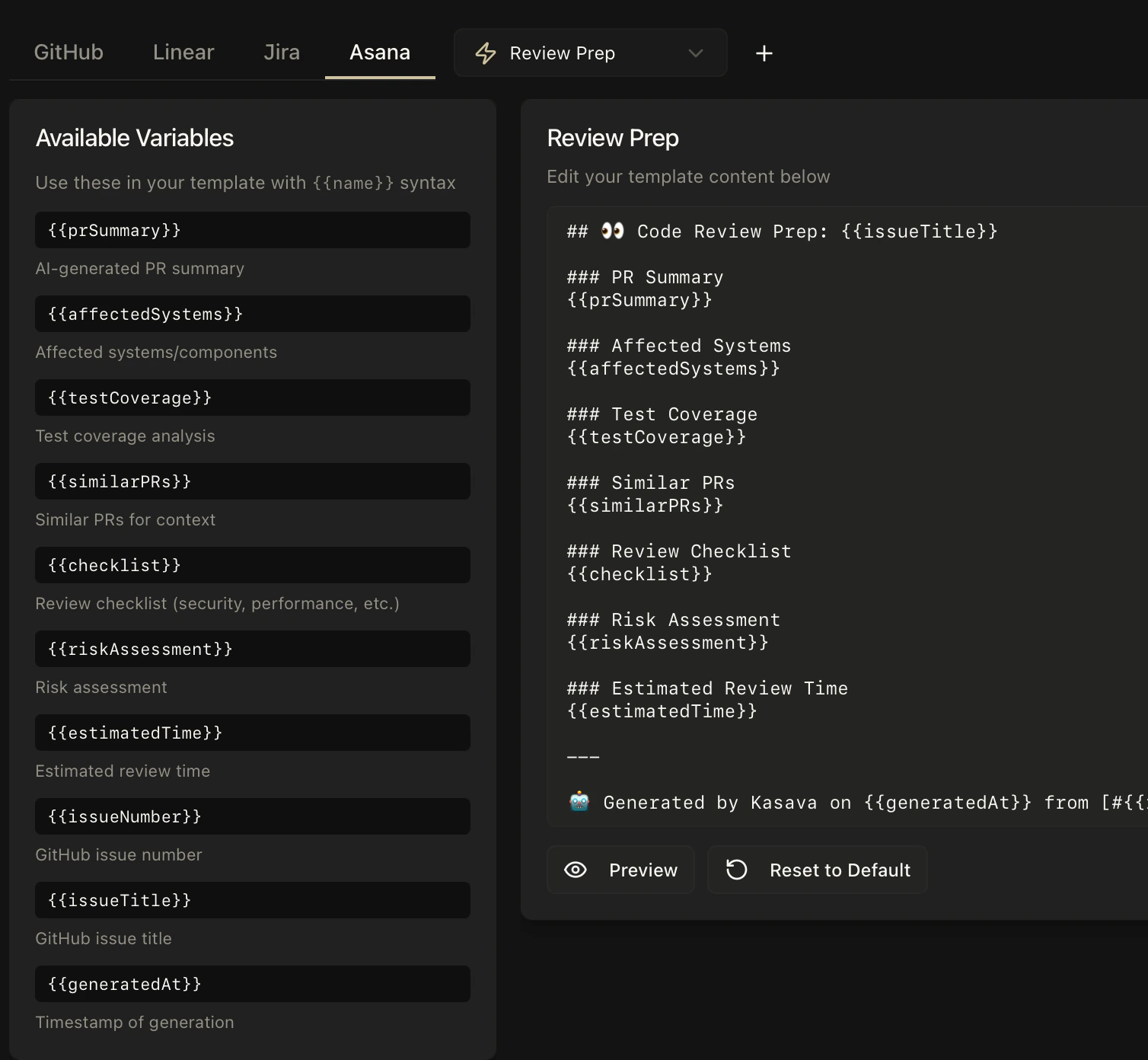
Custom commands and templates (coming soon)
Today the mention system ships with the 16 built-in actions above. Per-org customization is on the roadmap:- Custom action types — define your own trigger keywords (e.g.
security-review,qa-checklist) with bespoke instructions. Not yet available — until it ships, frame your request in natural language and the classifier will route to the closest built-in action or to the conversational fallback. - Custom output templates — override the default format of any built-in action per platform (e.g. shorter
summarizereplies for Linear, a stricterchangelogschema for GitHub). Not yet available — every action currently renders with its built-in formatter.
Related
Kasava Agent
The unified chat agent that powers mentions and the in-app chat
Integrations
Connect GitHub, Linear, Jira, Asana, Trello, and Notion